
Phind
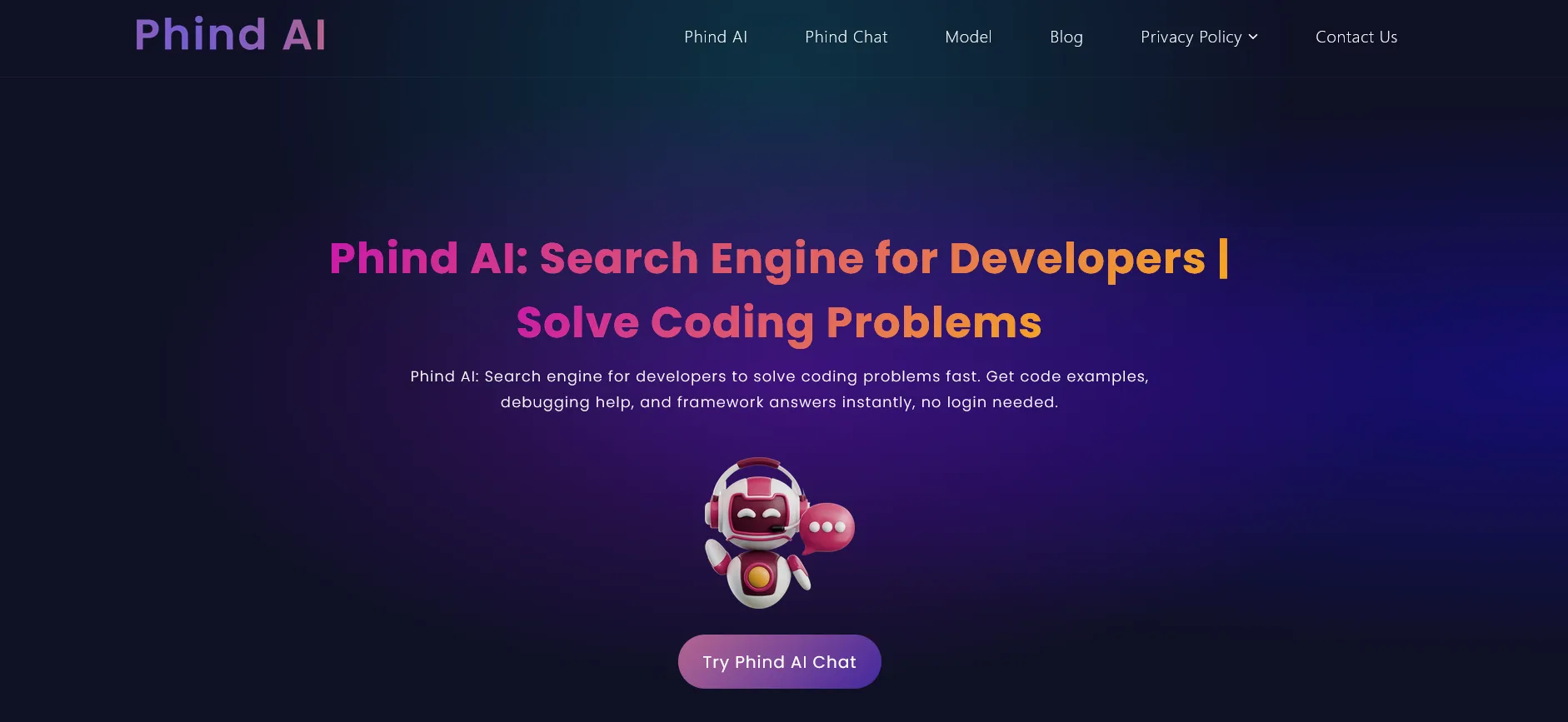
AI search engine built for developers — instant, cited answers to programming questions by reading actual documentation and source code.
About Phind
Phind was built to solve a specific frustration every developer knows: you ask ChatGPT about a library’s API and get a confident answer using method signatures that were deprecated two versions ago. Phind doesn’t just retrieve training data — it searches the current documentation, reads the actual source, and cites exactly where its answer came from.
The core product is a search interface where you ask programming questions in natural language and get code answers with sources attached. Ask “how do I configure authentication in Next.js 14 with the App Router” and Phind reads the current Next.js docs, finds the relevant pages, synthesizes the approach, shows you the code, and links directly to the documentation sections it drew from. You can click through and verify — which matters a lot when documentation has changed.
This citation model is Phind’s biggest advantage over general-purpose AI. When a library releases a breaking change, ChatGPT and Claude still answer based on their training snapshot. Phind’s live search catches the updated docs and gives you current answers.
The VS Code extension brings Phind into your editor. Highlight a function, ask a question, and Phind reads the surrounding file context before searching for an answer. It’s particularly useful for debugging: paste an error message and describe what you were doing, and Phind searches GitHub issues and Stack Overflow to find whether others have hit the same problem and how they solved it.
The free tier covers the vast majority of everyday developer use. Phind Pro ($17/month) unlocks higher daily query limits, access to more powerful underlying models, and longer conversation memory for complex debugging sessions.
Screenshots
Key Features
- Developer-focused search Searches and reads programming documentation, GitHub repos, and Stack Overflow before answering.
- Cited code answers Every answer links directly to the source — docs page, GitHub file, or reference that backs the explanation.
- VS Code extension Ask questions about your code without leaving the editor; Phind reads the current file for context.
- Pair programmer mode Multi-turn conversation for debugging — describe the bug, share the error, iterate toward a fix.
Use Cases
- Getting instant answers to library-specific API questions
- Debugging with cited examples from real documentation
- Learning a new framework with source-backed explanations
- Finding the right approach when Stack Overflow answers are outdated
Pros
- Reads actual documentation — not just training data
- Sources cited on every answer for verification
- Great for niche library questions where ChatGPT gives outdated answers
Cons
- Primarily a search and Q&A tool — not a full coding environment
- Less useful for general reasoning tasks outside development