
About v0
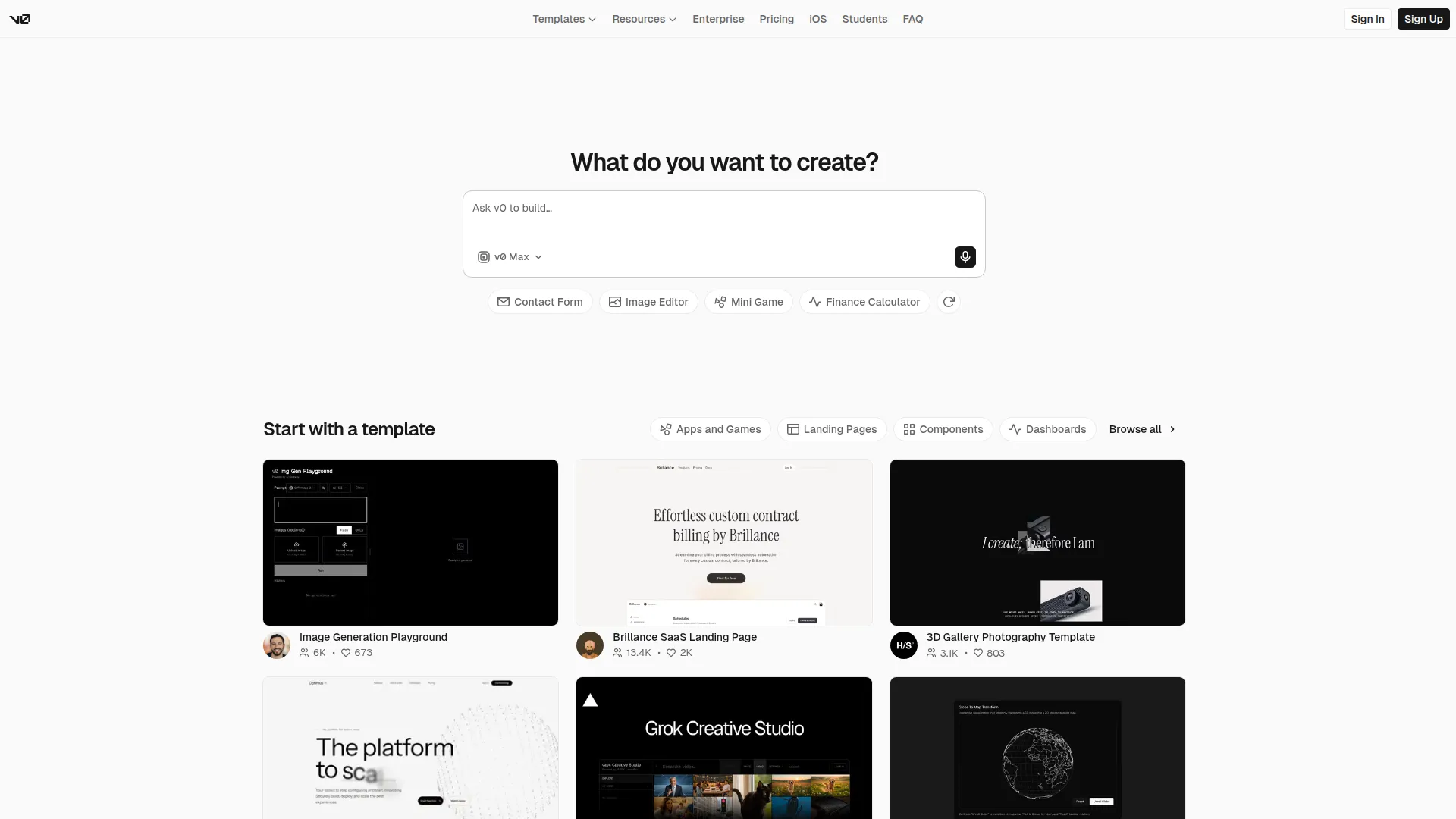
v0 is Vercel’s AI-powered UI code generator, and it’s quietly become one of the most-used tools in the modern frontend developer’s toolkit. You describe what you want — a pricing table, a settings page, a data dashboard — and v0 produces clean, working React code using Tailwind CSS and shadcn/ui components.
The output isn’t prototype code. It’s the kind of component you’d actually ship: properly structured JSX, Tailwind utility classes, accessible markup, and shadcn primitives that match what most Next.js projects already use. For developers, this cuts the “blank canvas” problem from hours to minutes.
The chat interface is where v0 really shines. You iterate in plain English: “make the sidebar collapsible,” “add a dark mode toggle,” “center the CTA button.” v0 applies each change surgically without rewriting everything. It understands layout, spacing, responsive breakpoints, and interactive states well enough that most prompts produce something usable on the first try.
For non-developers, v0 bridges the gap between design and code. You don’t need to know React to describe a component and get working JSX. Designers hand off mockups, v0 produces code, and developers refine — cutting the translation layer that normally eats sprint time.
Free accounts get a meaningful daily credit allowance. The Pro plan ($20/month) unlocks higher usage, private generations, and priority access to newer model versions. v0 is deeply integrated into the Vercel ecosystem, so deploying your generated UI to a live URL takes one click.
Screenshots
Key Features
- Prompt to React component Describe any UI in plain English and get clean, working React code instantly.
- Tailwind + shadcn/ui by default Output uses the most popular modern frontend stack — ready to paste into any Next.js project.
- Iterative refinement in chat Describe changes in follow-up messages; v0 updates the component while preserving existing structure.
- One-click Vercel deploy Deploy the generated page to a live URL directly from the v0 interface.
Use Cases
- Prototyping UI components quickly
- Building landing pages without a designer
- Generating dashboard layouts
- Creating form and data table components
Pros
- Production-quality React code out of the box
- Tailwind + shadcn means zero extra setup
- Chat iteration feels natural
Cons
- Frontend only — no backend or API logic
- Complex custom designs still need developer refinement