
About NotebookLM
NotebookLM is Google’s AI-powered research assistant that keeps its answers grounded in your specific sources rather than its general training knowledge. Upload PDFs, Google Docs, YouTube videos, audio files, web URLs, or paste in text, and NotebookLM becomes an expert specifically on those materials — able to answer questions, surface quotes, identify themes, and cross-reference across everything you’ve uploaded.
The core workflow is simple but powerful: create a notebook for a research project, upload all relevant materials (research papers, interview transcripts, competitor websites, meeting recordings), and then have a conversation with the content. Every answer comes with inline citations linking back to the exact passage, so you can verify claims immediately rather than trusting the AI blindly.
Audio Overviews — one of NotebookLM’s most distinctive features — transforms your sources into an engaging podcast-style conversation between two AI hosts who discuss and debate the content. This makes dense research digestible during commutes or walks, and has become genuinely popular for processing academic papers and long reports.
Study Guides automatically generate Q&A sets, glossaries, and timelines from your material. The Briefing Doc feature creates executive summaries. For teams and students working on research, journalism, or competitive intelligence, NotebookLM significantly compresses the gap between raw information and usable insight.
NotebookLM is free via Google account. NotebookLM Plus (included in Google One AI Premium, ~$20/month) adds more notebooks, more sources per notebook, sharing controls, and usage analytics.
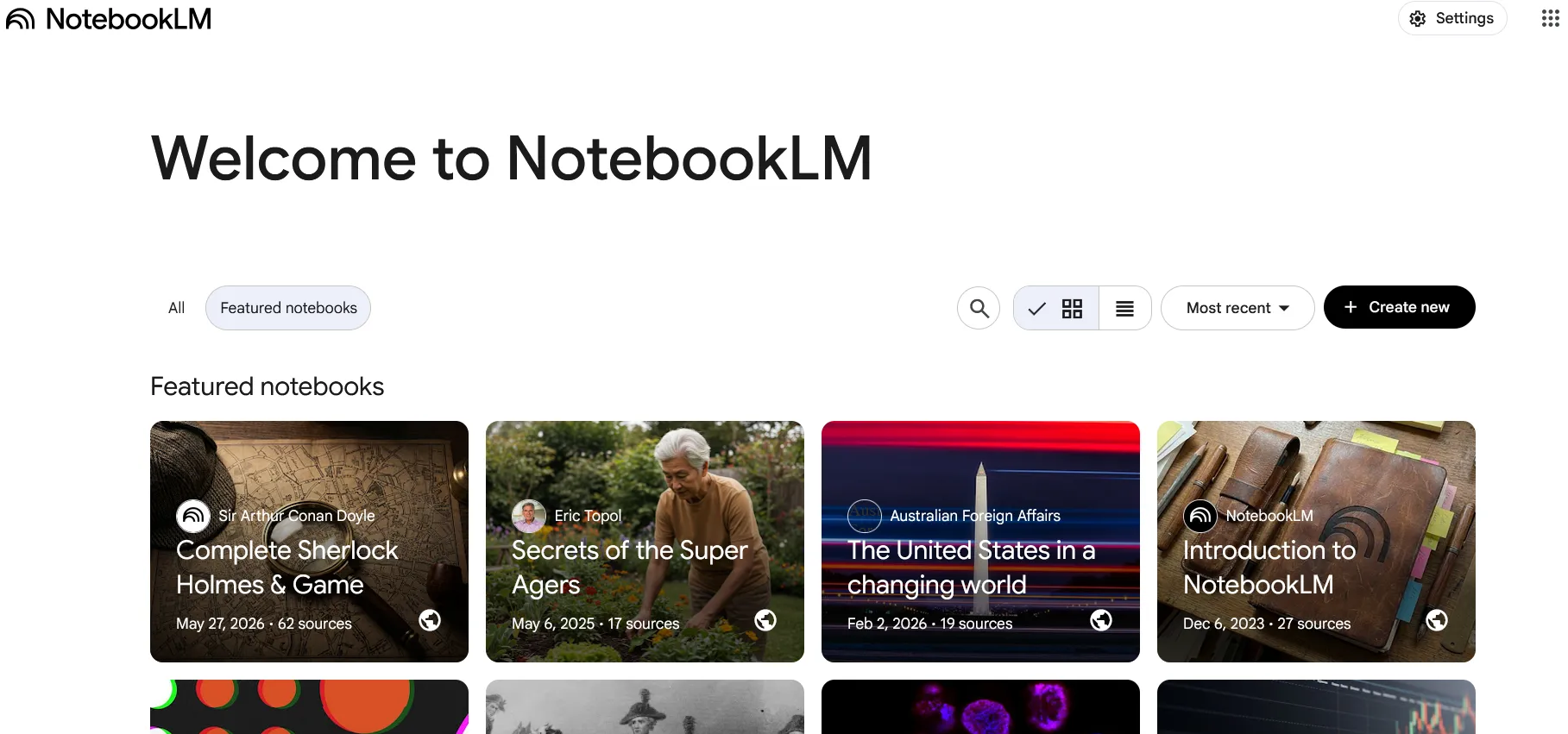
Screenshots
Key Features
- Source grounding Answers cite your uploaded documents only.
- Audio overviews Two AI hosts discuss your sources, podcast-style.
- Study tools Outlines, FAQs and study guides on demand.
Use Cases
- Studying from course materials
- Synthesizing research collections
- Onboarding from internal docs
Pros
- Completely free
- Famously good audio overviews
- Hallucination-resistant by design
Cons
- Capped sources per notebook
- Requires Google account