
Hex
Collaborative data workspace with AI-assisted notebooks, SQL and self-serve analytics.
About Hex
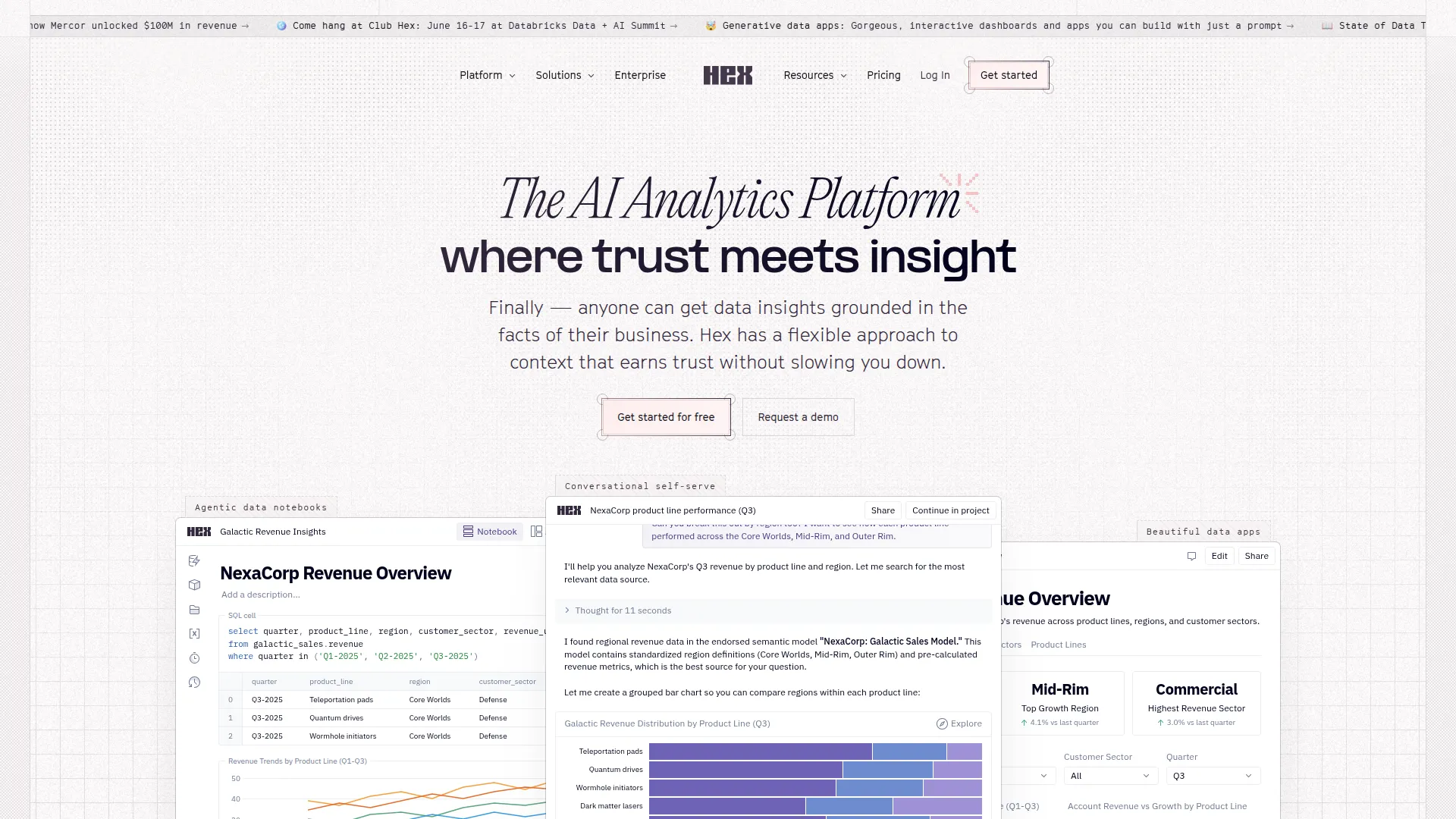
Hex is a collaborative data workspace that combines SQL notebooks, Python notebooks, and AI assistance in a single platform designed for data teams who need to move from raw data to shareable insight quickly. It sits between individual analytics tools and full BI platforms: more powerful than a spreadsheet, more collaborative than a Jupyter notebook, more flexible than a traditional BI dashboard.
The notebook interface is familiar to data scientists but adds the real-time collaboration of Google Docs — multiple team members can edit the same notebook simultaneously, see each other’s cursors, and build analyses together without the version control chaos of shared Jupyter notebooks. Cell outputs persist between sessions, so teammates see the same results without re-running queries.
Hex’s Magic AI features are deeply integrated into the analytics workflow. The AI can write SQL queries from a natural language description of what you want, explain what an existing query does, suggest fixes for errors, and generate Python code for statistical analysis or visualization. The AI understands your connected database schemas, so its SQL suggestions reference your actual tables and columns rather than generic patterns.
The result is a dramatically faster path from data question to shareable output. Polished, interactive data apps can be published from any notebook for stakeholders without coding backgrounds, replacing the cycle of “can you update that number in the slide deck” with a self-serve dashboard that refreshes automatically.
Hex integrates with Snowflake, BigQuery, Redshift, PostgreSQL, and most major data warehouses. Plans start with a generous free tier for individuals. Business plans ($24/user/month) add team features, SSO, and governance controls.
Screenshots
Key Features
- Magic AI Generate and fix SQL and Python from prompts.
- Notebook + app builder Analyses become shareable interactive apps.
- Semantic models Governed metrics for trustworthy self-serve.
Use Cases
- Data team analytics workflows
- Stakeholder-facing data apps
- Exploratory analysis
Pros
- Serious tool for data teams
- AI accelerates real workflows
- Beautiful publishing
Cons
- Aimed at professionals
- Team pricing adds up