
Webflow
Professional visual web development platform with AI assistance for building production-grade websites with full design control and clean HTML/CSS output.
About Webflow
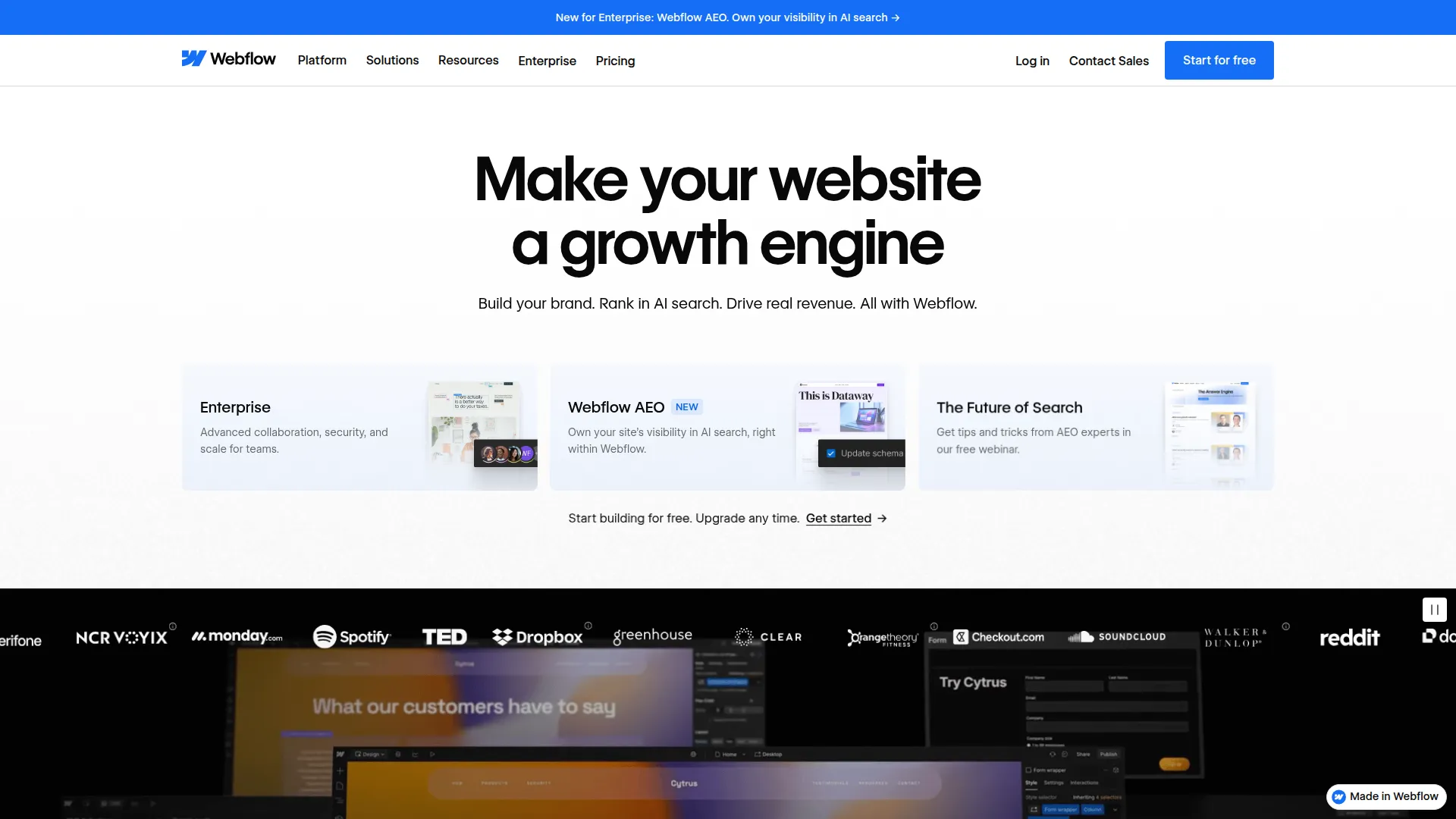
Webflow sits at the intersection of visual design tools and web development, offering professional-grade website production without requiring you to write code — but demanding enough conceptual understanding of web design that it’s not truly a beginner tool. The output is clean, semantic HTML and CSS that a developer could have written, which is unusual in the no-code space where generated code is often inflexible or poorly structured.
The visual editor maps directly to CSS concepts: when you set padding, you’re setting CSS padding. When you create a grid, you’re creating a CSS grid. This one-to-one relationship means Webflow sites behave exactly as web standards prescribe — no proprietary abstractions that break when you need custom behavior. Developers who inspect Webflow output are consistently surprised by its quality.
The CMS is the most sophisticated of any no-code platform. Collection types support complex field structures: rich text, images, references to other collections, multi-reference relationships, custom fields. A blog with authors, categories, tags, and related posts — with proper relational structure — can be built in Webflow without compromise. The CMS API also allows programmatic content management for sites with high content volumes.
AI Assist is integrated throughout the editor: generating copy for sections, suggesting complementary color palettes, applying style changes across all instances of a component. These AI features reduce the mechanical work of design iteration without taking creative control away from the designer.
E-commerce is fully integrated: product catalog management, variant handling, checkout customization, discount codes, and Stripe payment processing — all with the same visual control as the rest of the site.
The free plan allows development on a Webflow subdomain. Site plans (from $14/month) enable custom domains and higher traffic limits. CMS and e-commerce add-ons add additional cost.
Screenshots
Key Features
- Visual CSS editor Design with the full power of CSS — flexbox, grid, custom properties — through a visual interface with clean code output.
- Enterprise CMS Structured content management with complex collection relationships, rich text, and multi-reference fields.
- AI Assist AI features for generating copy, suggesting layouts, and automatically applying design changes across pages.
- E-commerce Full e-commerce capability with product management, checkout, and payment processing built in.
Use Cases
- Building professional marketing websites with design system precision
- Creating content-heavy sites with complex CMS structures
- Developing e-commerce experiences with custom design control
- Agencies building client websites that clients can manage themselves
Pros
- Professional-grade output — clean semantic HTML and CSS
- Most powerful CMS of any no-code platform
- Design system features enable consistent styling at scale
Cons
- Steep learning curve — more like learning to code than using a simple builder
- Pricing adds up with hosting, CMS, and e-commerce plans