
Cursor
AI-first code editor built on VS Code, with codebase-aware chat and powerful agentic editing.
About Cursor
Cursor is an AI-first code editor built as a fork of VS Code that integrates large language model intelligence directly into every layer of the coding experience. Rather than bolting a chatbot onto an existing editor, Cursor was designed from the start around the idea that your editor should understand your entire codebase and help you work at a higher level of abstraction.
The core feature is Cursor’s codebase-aware chat (⌘K and ⌘L): you can ask questions about your whole project, reference specific files with @file, query documentation with @docs, pull in web results with @web, and get answers that are grounded in what’s actually in your repo — not generic patterns from training data. The Tab autocomplete is context-aware across multiple lines, anticipating what you’re about to write next.
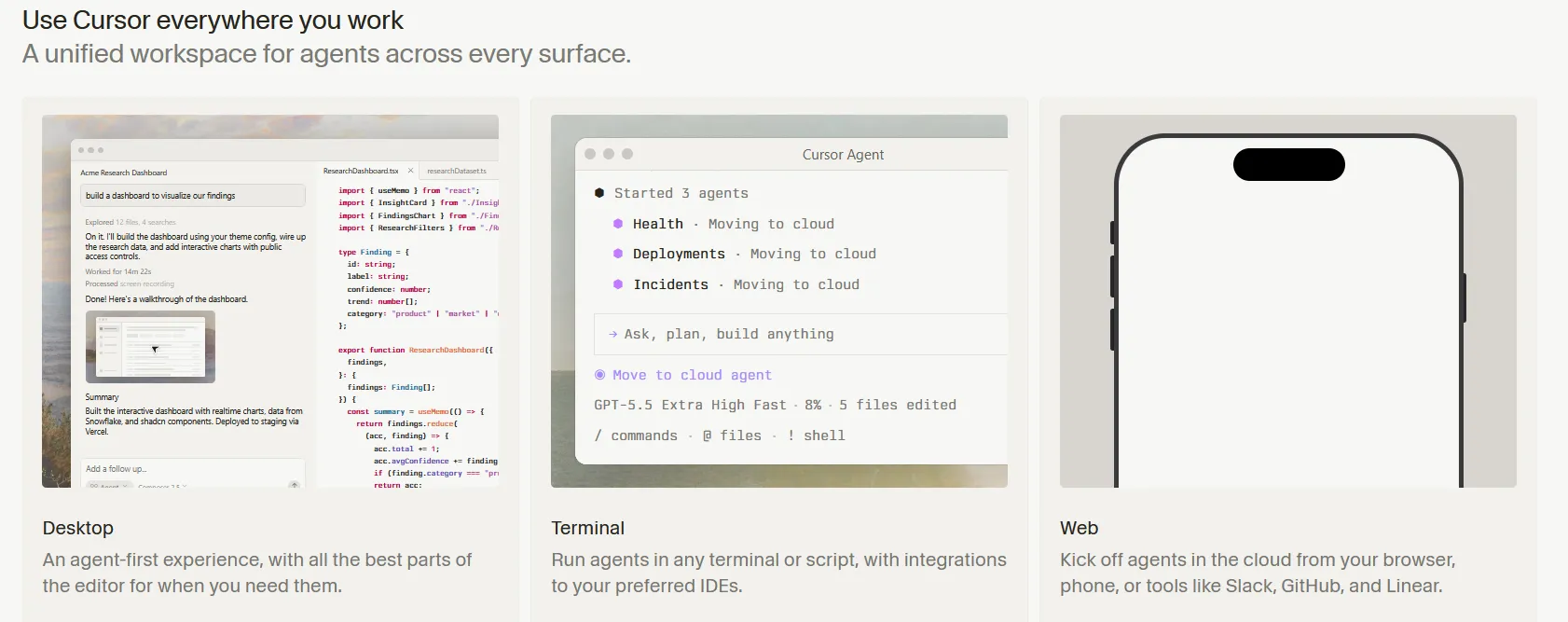
Agent mode lets Cursor execute multi-step coding tasks autonomously: it can read and edit files, run terminal commands, install packages, and iterate until tests pass. This is the feature that earns the “10x developer” comparisons — complex refactors or feature implementations that would take hours of manual work can be delegated entirely.
Cursor’s Pro plan ($20/month) covers unlimited completions, priority access to top models like Claude Sonnet and GPT-4o, and 500 fast agent requests per month. The Business plan adds team management and security controls.
Screenshots
Key Features
- Codebase chat Ask questions across your entire repo.
- Agent mode Multi-file edits, terminal commands and fixes.
- Tab completion Predicts your next edit, not just next token.
Use Cases
- Large refactors
- Rapid prototyping
- Understanding legacy code
Pros
- Best-in-class agentic editing
- Familiar VS Code base
- Frontier model choice
Cons
- Subscription for serious use
- Can be aggressive with changes