
Uizard
AI UI design tool that turns text prompts, sketches and screenshots into editable mockups.
About Uizard
Uizard is an AI-powered UI design tool that dramatically lowers the barrier to creating digital product mockups. Designers, product managers, and startup founders who need to communicate a product vision visually — but don’t have time for Figma’s learning curve — use Uizard to go from idea to interactive prototype in minutes.
The standout features are Uizard’s input modalities. Screenshot Scanner converts screenshots of any app or website into an editable Uizard project, extracting the layout and components so you can modify it for your own product. Sketch Scanner turns a hand-drawn wireframe photographed on your phone into a clean digital mockup. Both capabilities collapse days of manual mockup recreation into seconds.
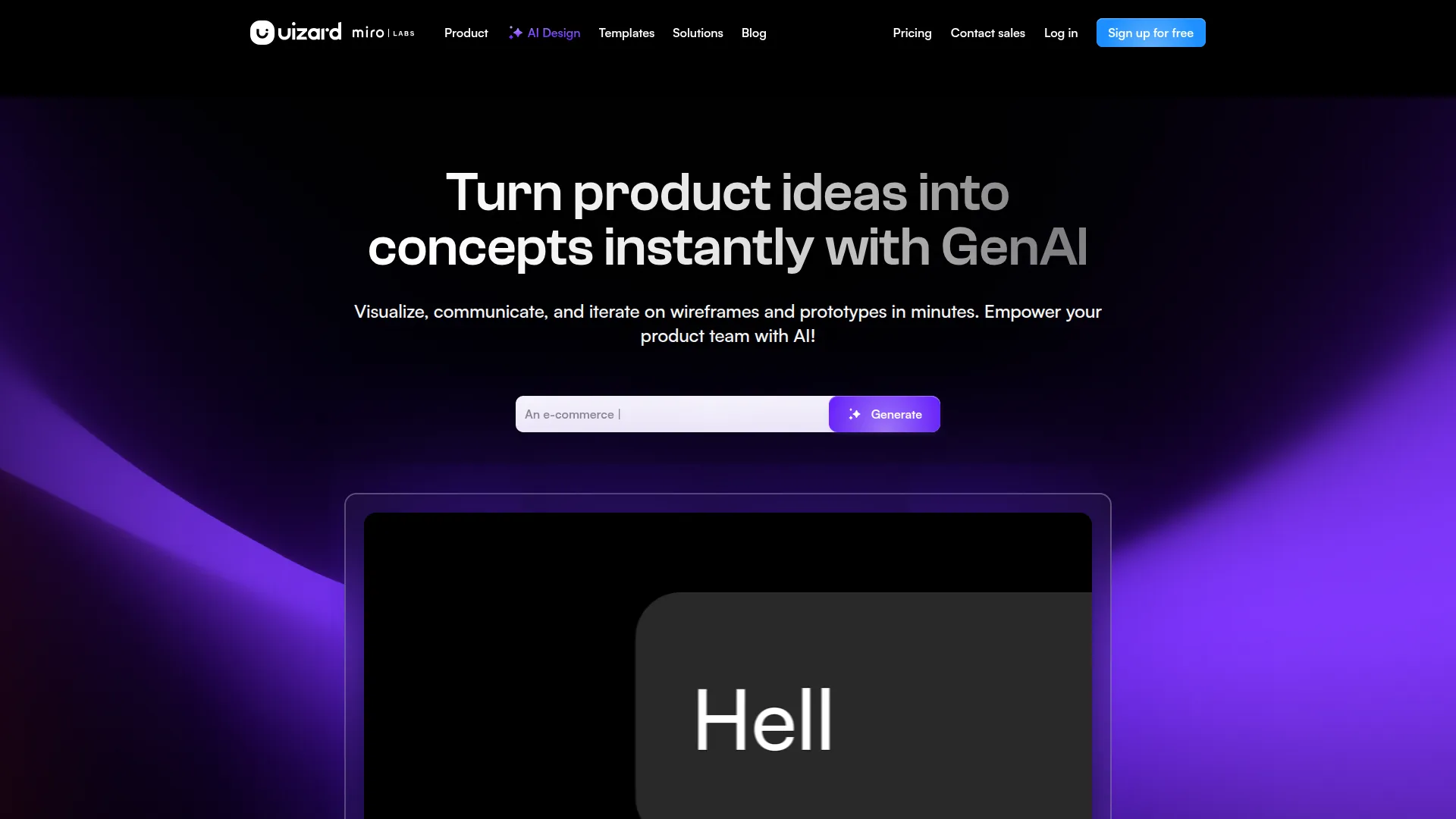
The Autodesigner feature generates a multi-screen app design from a text description: describe your product, select a style direction, and Uizard produces a complete screen set with navigation, UI components, and realistic placeholder content. This is particularly useful for the early discovery phase when you need to quickly explore design directions before investing in detailed production design.
Component libraries cover the most common UI patterns for web apps, iOS, and Android, giving you properly structured building blocks rather than static shapes. Themes control the color palette, typography, and spacing system across all screens simultaneously, enabling fast exploration of different visual directions.
Prototype mode adds click interactions to make mockups navigable, sufficient for stakeholder presentations and early usability testing without requiring a handoff to a development team or a more complex tool.
Uizard offers a free plan for 3 projects. Pro ($12/month) and Business ($39/month) plans add unlimited projects, AI generation credits, and team collaboration features.
Screenshots
Key Features
- Autodesigner Multi-screen app mockups from a prompt.
- Screenshot scanner Convert any UI screenshot to editable design.
- Wireframe scan Hand-drawn sketches become digital screens.
Use Cases
- Rapid app prototyping
- Founder mockups for pitches
- Design ideation
Pros
- Zero design skills required
- From sketch to prototype fast
- Real-time collaboration
Cons
- Not a Figma replacement for pros
- Output needs design polish