Canva Magic Studio
Canva's AI suite: generate designs, images, copy and videos inside the world's easiest design tool.
About Canva Magic Studio
Canva Magic Studio is Canva’s integrated suite of AI tools that transforms the world’s most popular design platform into an AI-powered creative workspace. For the hundreds of millions of people who already use Canva to create social media graphics, presentations, videos, and marketing materials, Magic Studio adds AI generation and editing capabilities within the familiar drag-and-drop interface — no new tool to learn.
Magic Design generates a complete design from a text description, selecting appropriate layout, typography, imagery, and color palette based on the context and brand assets you provide. It works across Canva’s full range of formats: social posts, presentations, video content, documents, and websites. The results are production-ready designs you can edit further, not rough drafts requiring major cleanup.
Magic Write is Canva’s AI copywriting feature, generating captions, headlines, blog posts, presentation scripts, and marketing copy directly within the design canvas. Magic Expand extends images beyond their original borders to fit new aspect ratios — essential for repurposing portrait content as landscape and vice versa. Magic Eraser removes unwanted elements from photos with AI-powered inpainting.
Background Remover has been a Canva staple and remains one of its most-used features: instant, accurate background removal from any photo. Translate converts text in designs to 100+ languages in seconds, enabling localized content creation at scale.
For video, Magic Animate adds professional transitions and animations, while AI video generation is available for generating short clips from text prompts.
Canva Free includes basic Magic Studio features. Canva Pro ($15/month) unlocks the full AI suite with higher monthly generation limits.
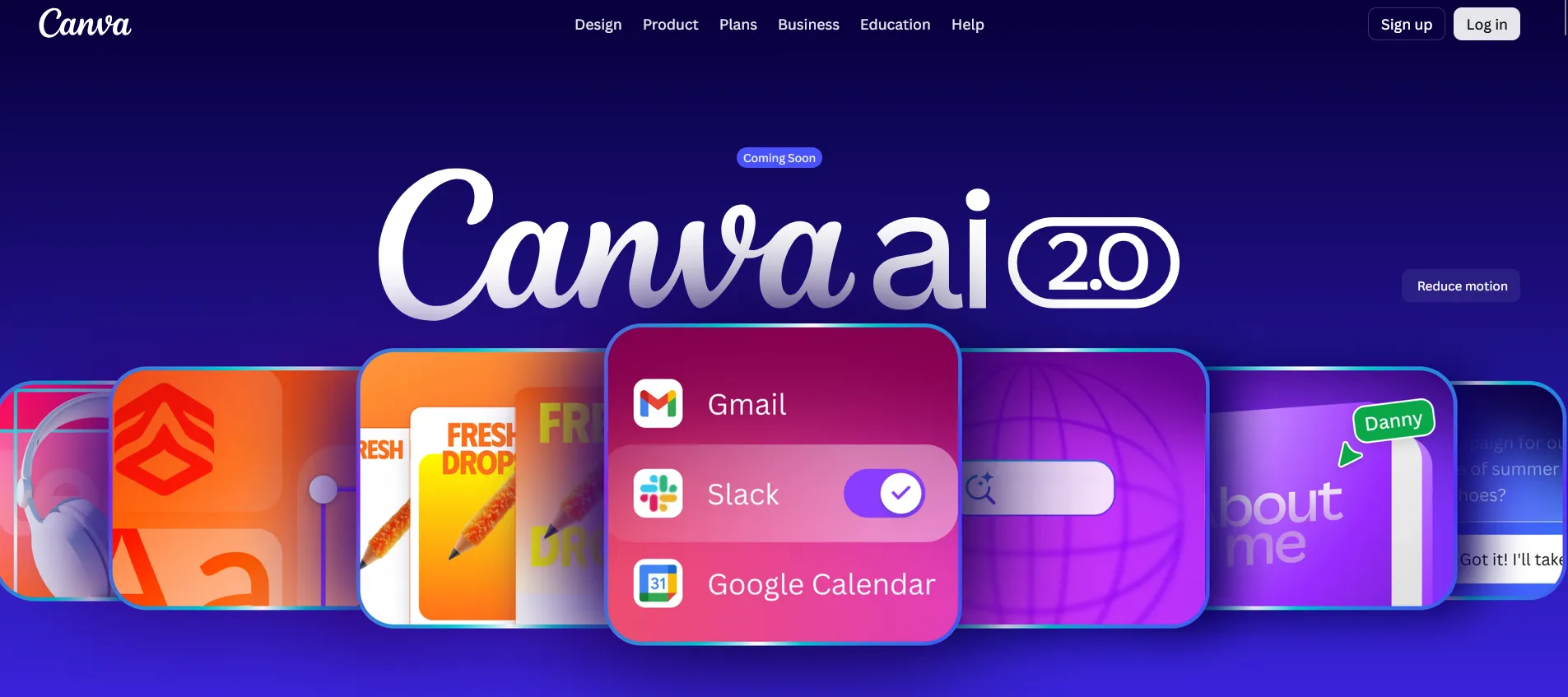
Screenshots
Key Features
- Magic Design Full designs from a prompt or photo.
- Magic Edit Swap objects in images with text.
- Magic Write On-brand copy in any doc or design.
Use Cases
- Social media graphics
- Presentations
- Marketing collateral
Pros
- Easiest design tool, now with AI
- Huge template library
- Strong free plan
Cons
- Less control than pro tools
- AI features capped on free tier