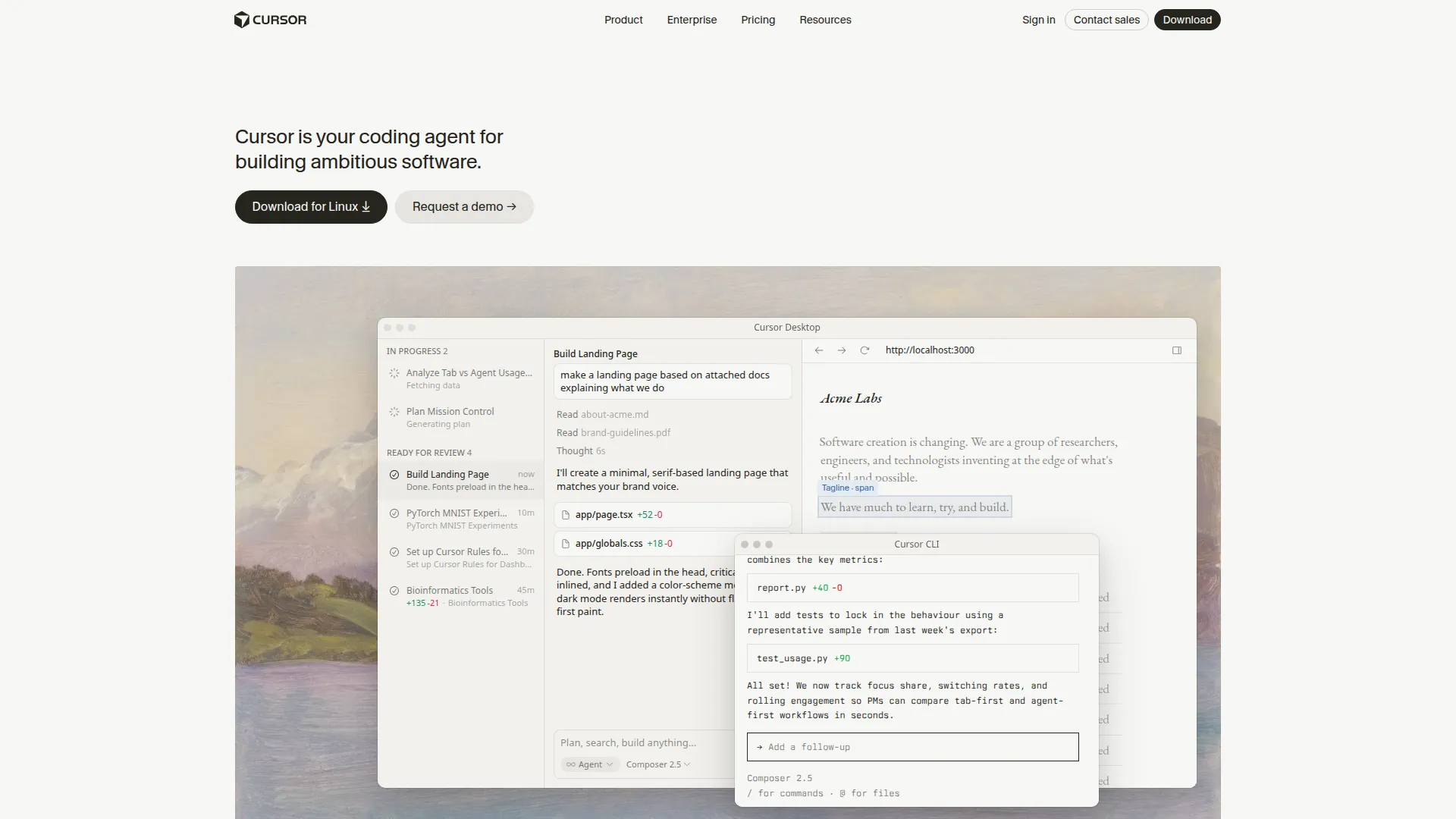
About Cursor
Cursor’s MCP (Model Context Protocol) support transforms its already-powerful agent into a tool-using system that can interact with external services, APIs, databases, and local systems — all driven by the same natural language interface you use for coding assistance.
When you configure MCP servers in Cursor’s settings, they become available as tools inside Cursor’s Compose and Agent modes. This means Cursor can query your Postgres database to understand real data while writing a migration, browse the web to look up an API response format, read files outside your current project directory, interact with GitHub to create issues from bugs it discovers, or call any other service exposed via MCP — without you switching context.
The Agent mode with MCP is where this becomes genuinely powerful: Cursor can plan a multi-step coding task, recognize when it needs external information, call the appropriate MCP server, incorporate the response, and continue the task — autonomously. This goes well beyond autocomplete into territory closer to a developer assistant that can actually do research and take actions.
Setting up MCP servers in Cursor is done through the settings JSON (.cursor/mcp.json), following
the same format as Claude Desktop’s MCP configuration. Cursor supports both stdio-based servers (for
local processes) and HTTP/SSE servers (for remote services), giving access to the full ecosystem of
available MCP servers.
Cursor is available on Free (limited requests), Pro ($20/month), and Business ($40/user/month) plans, all with MCP support included.
Screenshots