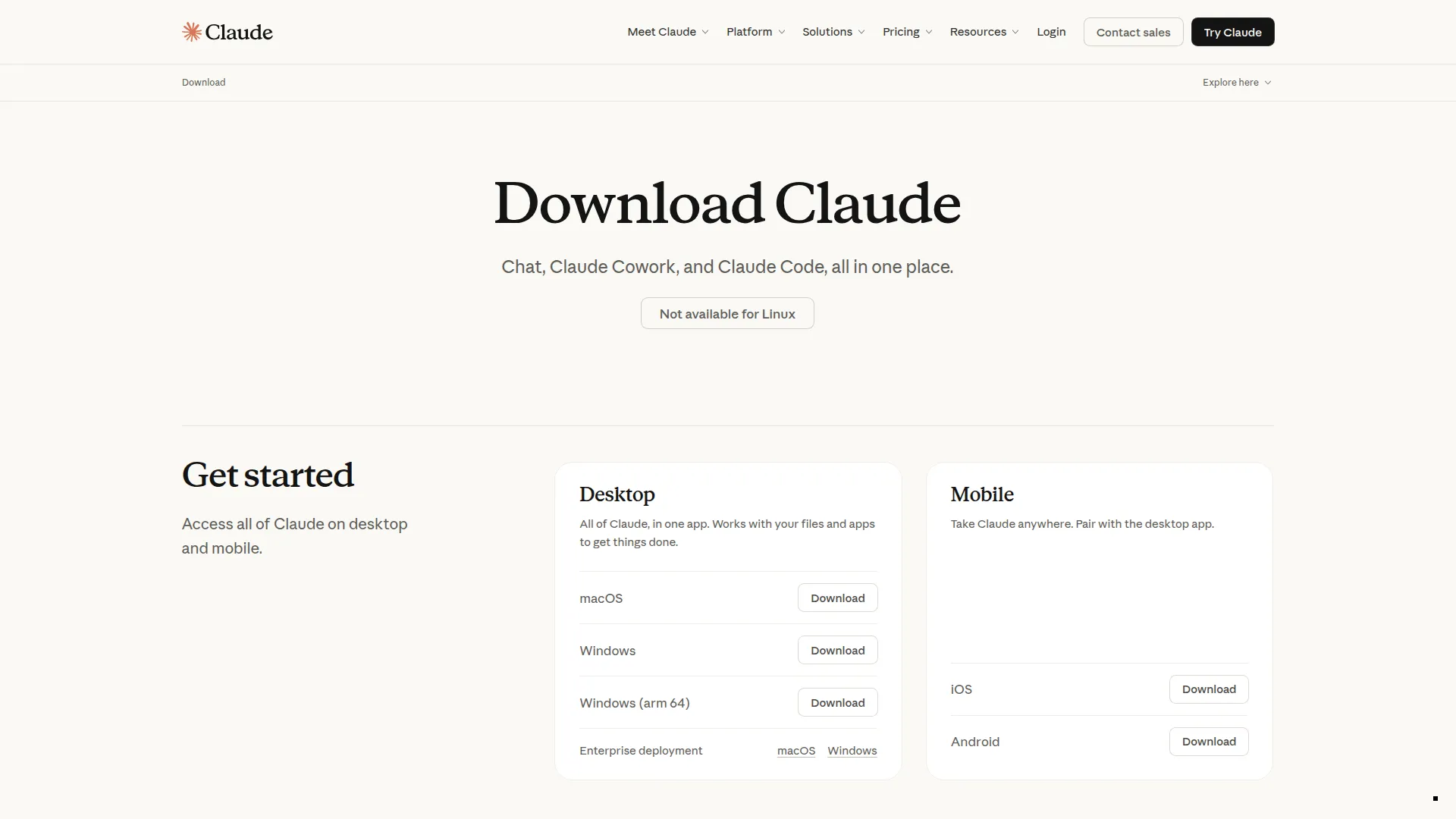
About Claude Desktop
Claude Desktop is Anthropic’s official desktop application for macOS and Windows, and it’s the original consumer MCP (Model Context Protocol) client — the app that first brought MCP from a developer concept into widespread use. Beyond providing a polished interface for conversing with Claude, the Desktop app turns Claude into a tool-using agent that can interact with your computer through locally-running MCP servers.
The core Claude experience in the desktop app mirrors Claude.ai but adds native OS integration: drag files directly into the chat, use system keyboard shortcuts, and keep Claude accessible without a browser tab. The app handles long documents, code files, and images natively through the same multimodal interface as the web version.
MCP support is what sets Claude Desktop apart. By adding MCP servers to the configuration file, you give Claude secure access to your filesystem, local databases, development tools, and any other service with an MCP server. Claude can then read and write files, query your local database, run searches, interact with GitHub, or call any other enabled capability — all through natural language in the chat window.
The configuration system is straightforward: a JSON file lists which MCP servers to launch and how to connect to them. Anthropic maintains official MCP servers for filesystem access, web search, database connectivity, and more, while the community has built hundreds of additional servers available on npm and GitHub.
Claude Desktop is free to download and use with any Claude.ai plan. Pro and Team subscriptions unlock higher usage limits and access to more capable models within the app.
Screenshots