
Adobe Firefly
Adobe's generative AI for images, vectors, and effects — commercially safe, trained on licensed content, and deeply integrated into Photoshop and Illustrator.
About Adobe Firefly
Adobe Firefly is the AI image generation platform built by the company that invented Photoshop, and it takes a deliberately different approach from Midjourney or Stable Diffusion: every model is trained exclusively on Adobe Stock content, openly licensed material, and public domain works. This means every image Firefly generates is commercially safe to use — you can put it in client deliverables, advertising campaigns, and product packaging without copyright concerns.
For professional creative work, this distinction matters enormously. Midjourney and Stable Diffusion produce stunning results but carry ongoing legal uncertainty about training data. Firefly’s outputs carry no such risk, which is why it’s being adopted rapidly by agencies, brands, and in-house creative teams where commercial IP risk is a non-starter.
Generative Fill, integrated directly into Photoshop, is the killer feature that makes Firefly essential for working photographers and designers. Select any area of an image — a background, an object, a person — type a description of what you want there, and Firefly fills it in with matching lighting, perspective, and style. Remove an unwanted object. Replace a grey sky with golden hour clouds. Add a product to a lifestyle photo. The fills are seamless in a way that previous Photoshop healing and cloning tools required significant skill to achieve.
Generative Expand works the other direction: select an image with its edges and describe what the extended area should contain. Firefly adds canvas in any direction, filling it with contextually appropriate content. This is particularly useful for adjusting aspect ratios for different platforms without cropping.
The standalone Firefly web app is free with 25 monthly credits for non-Creative Cloud subscribers. Creative Cloud subscribers get additional credits integrated into their plan, and Firefly
Screenshots
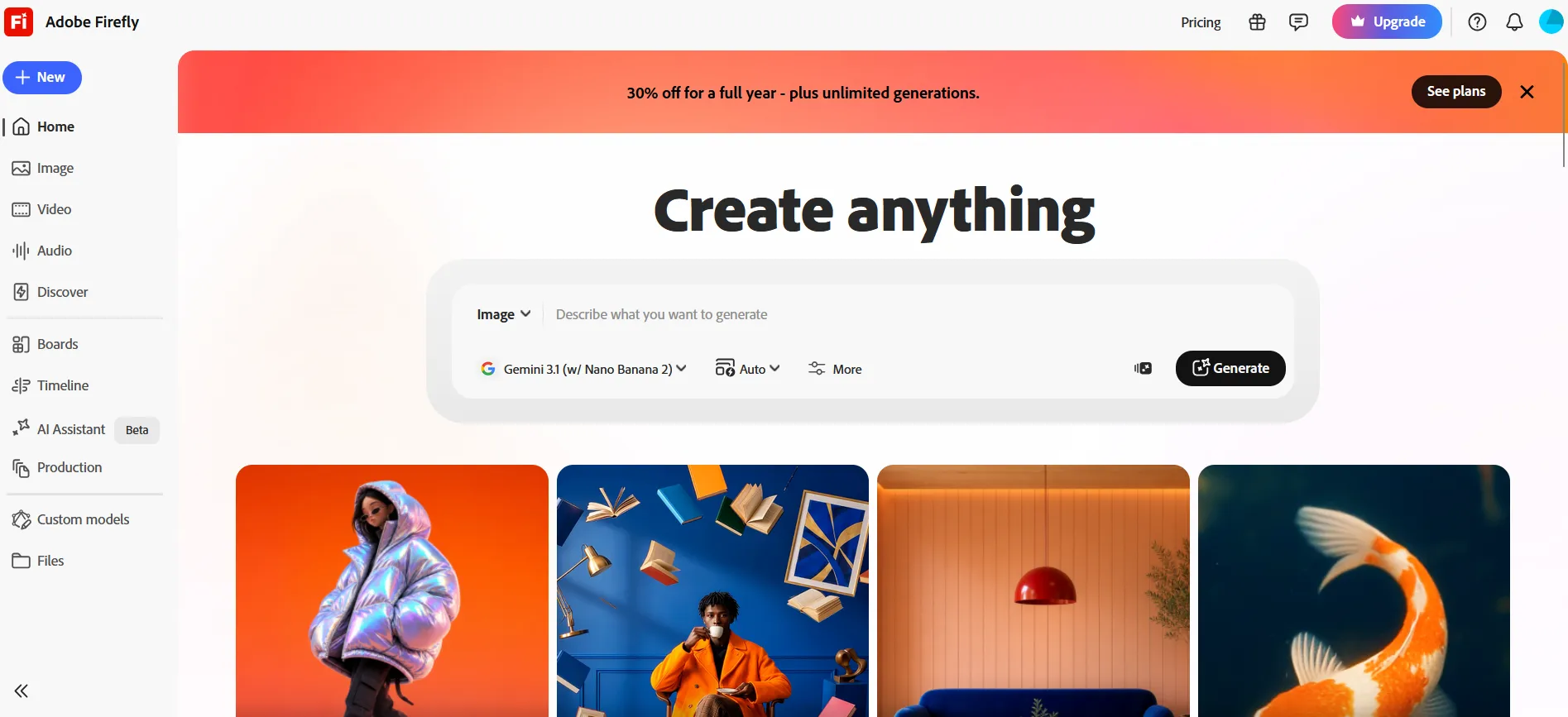
Key Features
- Commercially safe generation Trained exclusively on licensed Adobe Stock content and public domain material — outputs are safe to use in commercial projects without IP risk.
- Generative Fill in Photoshop Select any area of an image and describe what to add or remove — Firefly fills it in seamlessly.
- Text to vector Generate scalable SVG graphics and icons from text descriptions directly in Illustrator.
- Generative Expand Extend any image beyond its original borders, filling in the new canvas with contextually appropriate content.
Use Cases
- Adding or removing elements in professional photo retouching
- Generating background options for product photography
- Creating vector illustrations from text prompts
- Extending image canvas for different aspect ratio requirements
Pros
- Commercially safe — no IP risk for business use
- Deep Photoshop/Illustrator integration feels native
- Generative Fill is one of the most useful practical AI editing tools
Cons
- More conservative outputs than Midjourney or Stable Diffusion for creative use
- Full access requires Adobe Creative Cloud subscription