
QuillBot
AI writing assistant specializing in paraphrasing, grammar checking, and summarizing — with multiple rewrite modes and direct Google Docs integration.
About QuillBot
QuillBot has built one of the most-used writing tools in the world by focusing on a specific set of tasks and doing them exceptionally well. The paraphrasing tool is the flagship: paste in any text, choose a rewrite mode, and get a rephrased version that preserves meaning while changing the phrasing, vocabulary, and sentence structure.
The rewrite modes give meaningful control. Standard mode makes general improvements. Fluency focuses on natural-sounding English. Formal raises the register for professional or academic contexts. Academic adjusts vocabulary and structure for scholarly writing. Creative explores more dramatic departures from the original phrasing. Each mode produces noticeably different output, and you can slide a vocabulary slider to control how aggressively word choices are changed.
The Chrome extension and native integrations with Google Docs and Microsoft Word mean you can highlight any text in a document and rewrite it in-place without switching tabs or copy-pasting. For students, academics, and content professionals who work primarily in documents, this workflow integration makes QuillBot feel like a native part of their writing environment rather than an external tool.
The grammar checker identifies errors with explanations — not just red underlines, but descriptions of why something is wrong and how to fix it. This is useful for learning as well as correcting.
The summarizer handles research papers, news articles, and reports competently: paste a URL or text and get a concise bullet-point summary of the key points. For researchers who need to quickly assess whether a paper is worth reading in full, this is a real time saver.
The free tier is functional but limited: shorter paraphrasing sessions, fewer synonym options, and basic grammar check. QuillBot Premium ($9.95/month or $49.95/year) removes word limits and unlocks all modes and features.
Screenshots
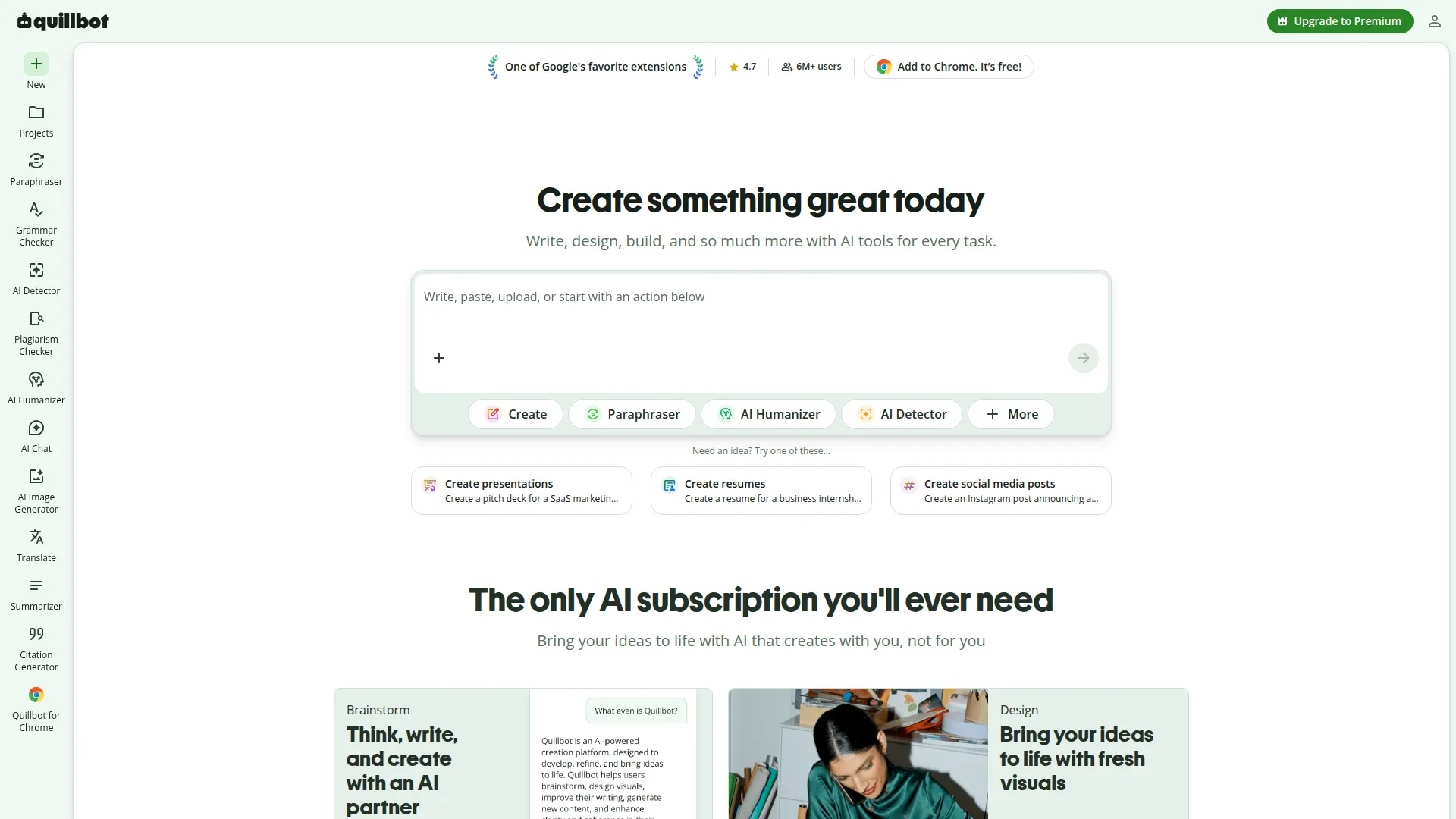
Key Features
- Paraphrasing tool Rewrite any text in multiple modes — Standard, Fluency, Formal, Academic, Creative — to match your intended tone.
- Grammar checker Identifies and fixes grammatical errors, punctuation issues, and style problems with explanations.
- Summarizer Condense long articles, papers, or documents into key points in seconds.
- Citation generator Automatically format citations in APA, MLA, Chicago, and other academic styles from a URL or manual entry.
Use Cases
- Rewriting text to avoid plagiarism in academic work
- Adjusting writing tone from casual to formal
- Quickly summarizing long articles and reports
- Checking grammar and style in professional documents
Pros
- Best paraphrasing tool in the market — rewrite modes are genuinely useful
- Google Docs and Word integration means no copy-pasting
- Citation generator saves significant research writing time
Cons
- Free tier limits word count per paraphrase session
- AI writing quality is less sophisticated than ChatGPT for long-form generation