
Opus Clip
AI-powered video repurposing tool that automatically clips the best moments from long videos into short, viral-ready content for social media.
About Opus Clip
Opus Clip addresses one of the most time-consuming problems in modern content creation: you have a 90-minute podcast, a 2-hour conference talk, or a weekly YouTube video, and you need 10 short clips for TikTok, Instagram Reels, and YouTube Shorts. Doing this manually means watching the entire recording, identifying the best moments, cutting them, reformatting to vertical, adding captions, and trimming intros and outros — hours of work per video.
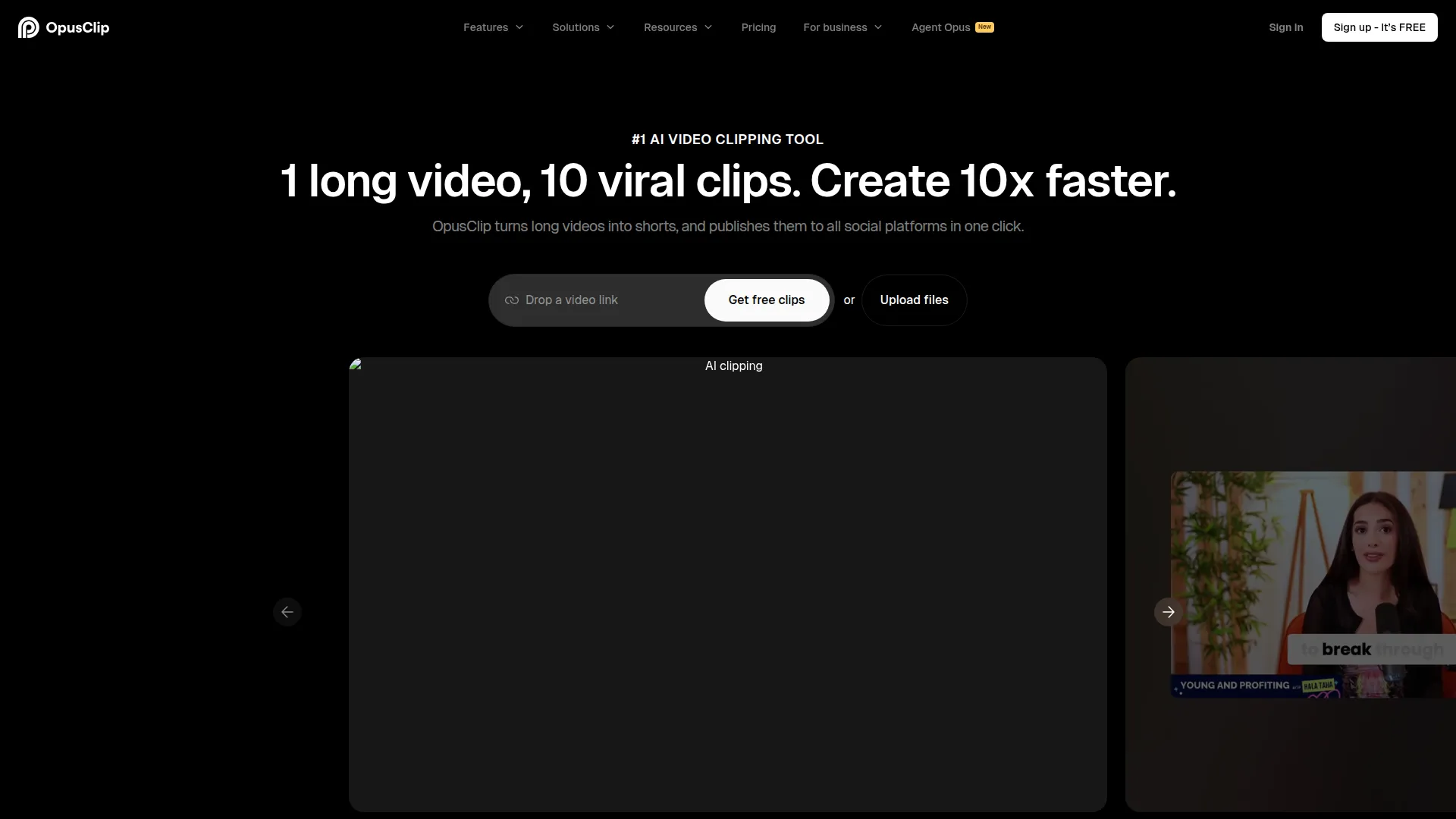
Opus Clip reduces this to minutes. Paste a YouTube link or upload a video file, and the AI watches it, identifies the most engaging segments based on content quality, speaking pace, topic transitions, and narrative hooks, and produces a set of clips — typically 5–20 per hour of source material.
The Viral Score is the feature that distinguishes Opus from basic auto-clippers. Each clip receives a 0-100 score estimating its likely engagement on social platforms, based on factors like whether it opens with a hook, has a clear standalone narrative, and maintains pacing. The algorithm has been trained on high-performing social content, and creators consistently report it’s accurate enough to use as a first filter: take the clips scoring above 70 and review those first.
Auto-captions are styled, word-by-word highlights that match what’s being said, with speaker labels for multi-guest formats. The AI reframing for vertical video handles talking-head content well — it tracks the speaker’s face and recenters the frame as they move.
The free tier is limited to a handful of credits per month. The Starter plan ($15/month) gives 60 clip generations. For content teams publishing across multiple channels daily, the Business plan with unlimited clips is the right tier.
Screenshots
Key Features
- AI clip selection Analyzes long videos and automatically selects the most engaging moments worth clipping.
- Viral score Assigns a 0-100 engagement score to each clip based on pacing, hooks, and content quality.
- Auto-captions Adds word-by-word highlighted captions with speaker identification and emoji support.
- AI reframing Automatically reframes horizontal video to vertical (9:16) for TikTok, Shorts, and Reels.
Use Cases
- Turning podcast episodes into social clips
- Repurposing webinars into YouTube Shorts
- Creating TikTok content from long YouTube videos
- Batch-processing large video libraries for social distribution
Pros
- Viral score is surprisingly accurate at predicting clip quality
- Saves 80%+ of manual clipping time
- Auto-reframe handles talking-head videos excellently
Cons
- Clip quality varies when source video lacks defined hooks
- Captions need occasional manual correction for accents