
Murf AI
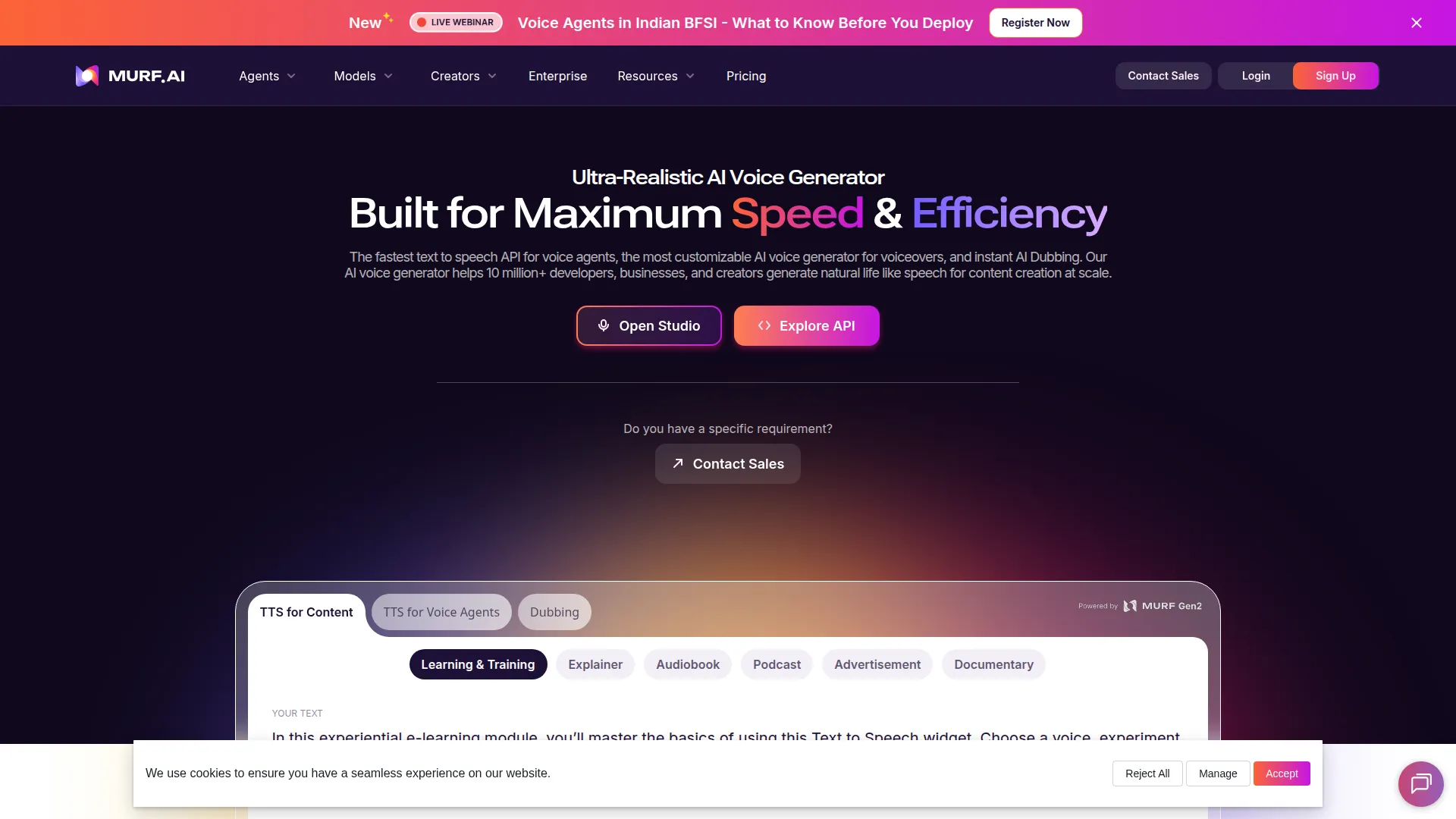
Studio-quality AI voiceovers with 200+ voices for videos, ads, e-learning and IVR.
About Murf AI
Murf is an AI voice generator and studio platform designed for creating professional audio content without the cost and complexity of traditional voiceover production. Businesses, e-learning creators, video producers, and marketing teams use Murf to produce narration for training videos, explainer content, podcast intro segments, product demos, and advertising — at a fraction of the cost of hiring voice actors.
The voice library is Murf’s core asset: 120+ AI voices across 20+ languages, spanning multiple genders, ages, and regional accents. Each voice has been designed to sound natural and expressive rather than robotic, with the platform providing controls for pace, pitch, emphasis, and pauses to fine-tune delivery for each use case. The pronunciation editor handles technical terms, brand names, and acronyms that generic voices render incorrectly.
The Studio interface works like a simple audio production tool: type or paste your script in the editor, assign different voices to different sections or speakers, preview the output, and export the finished audio in WAV, MP3, or other formats. For video content, you can upload video directly and sync the generated voiceover to match timing.
Voice Cloning is available for Professional plans and above: provide a short sample recording, and Murf creates a custom AI voice that can be used across all your content. This enables consistent brand voice in training programs, e-learning courses, and marketing without requiring recurring recording sessions.
The Murf API allows businesses to integrate text-to-speech into their own applications and workflows.
Murf’s Free plan provides 10 minutes of voice generation. Creator ($29/month) and Business ($99/month) plans offer higher minutes, voice cloning, and commercial rights.
Screenshots
Key Features
- 200+ voices Across 20+ languages and accents.
- Voice editing Adjust pitch, pace, emphasis and pauses.
- Sync with media Time voiceover against video and slides.
Use Cases
- E-learning narration
- Explainer videos
- Phone system prompts
Pros
- Polished studio workflow
- Granular pronunciation control
- Team collaboration
Cons
- Less lifelike than ElevenLabs
- Watermarked free output